Salesforce has recently implemented stricter security measures around OAuth and Connected Apps to protect users from social engineering and unauthorized access. These changes affect how third-party apps, including DataTools Pro, connect to Salesforce environments. While the update enhances overall security and governance, it introduces new steps and approvals for administrators and users to configure and authorize Connected Apps properly.
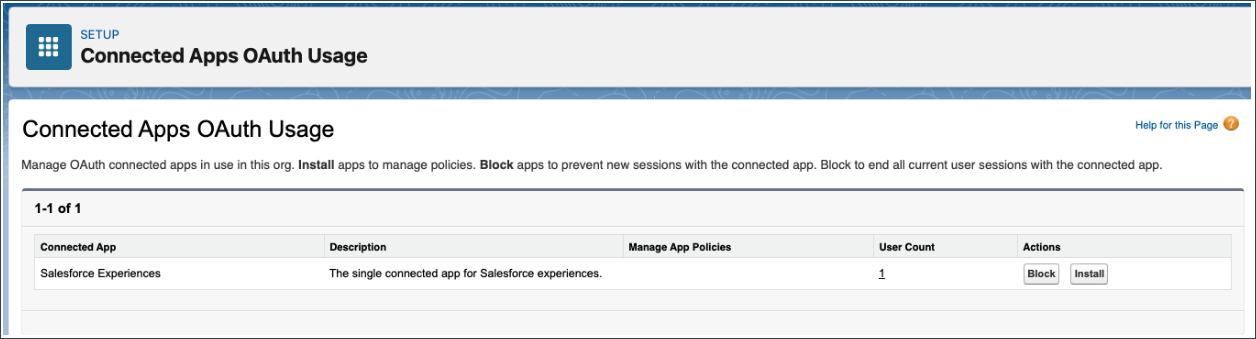
Step 1. Open Salesforce as Salesforce Admin, and Open your Connected Oauth Apps

Step 5. Find the app that you want to install.
Step 6. Click “Install” – This provides control to Salesforce admins with visibility and control over app Policies.
For more detailed information for installing and configuring DataTools Pro view our Salesforce Admin Install Guide
